See What Changed Between Two Text Files

TL;DR: Text Compare is a free online tool that shows the differences between two text or code files — side by side or unified, changed words highlighted — right in your browser, no signup, nothing uploaded or transferred.For code, configs, logs, or any two versions of the same file.

Start Comparing Text…
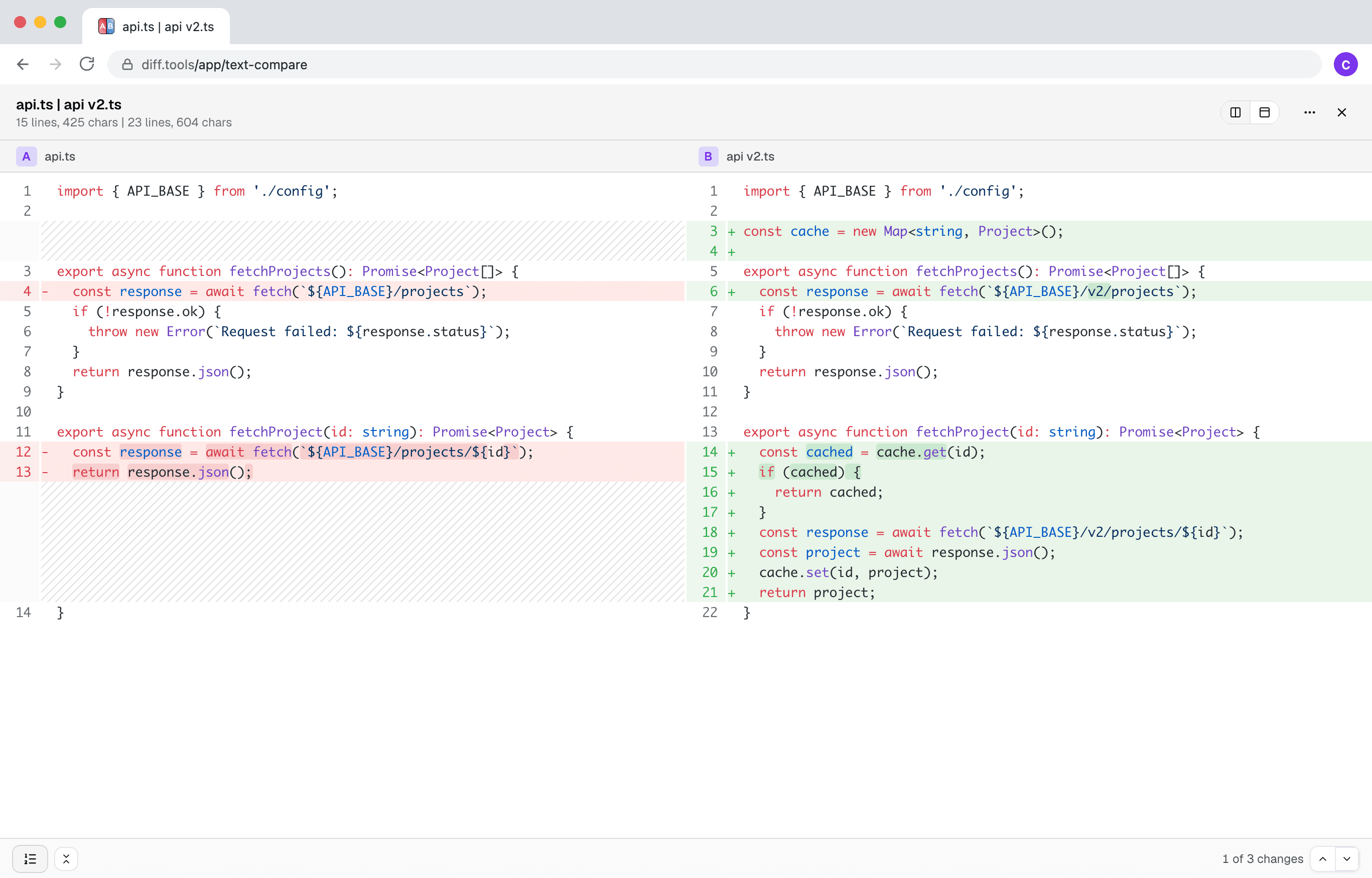
Screenshot of Text Compare
Christopher Atlan

开发者: Christopher Atlan(Leitmotif GmbH)。 自 2020 年起打造文件比较工具,软件开发经验超过 18 年。 diff.tools 只有一个理念:每种格式一款专注的工具,比较结果可以交给下一款工具继续处理。

A quick tour

  1. A diff you can actually read

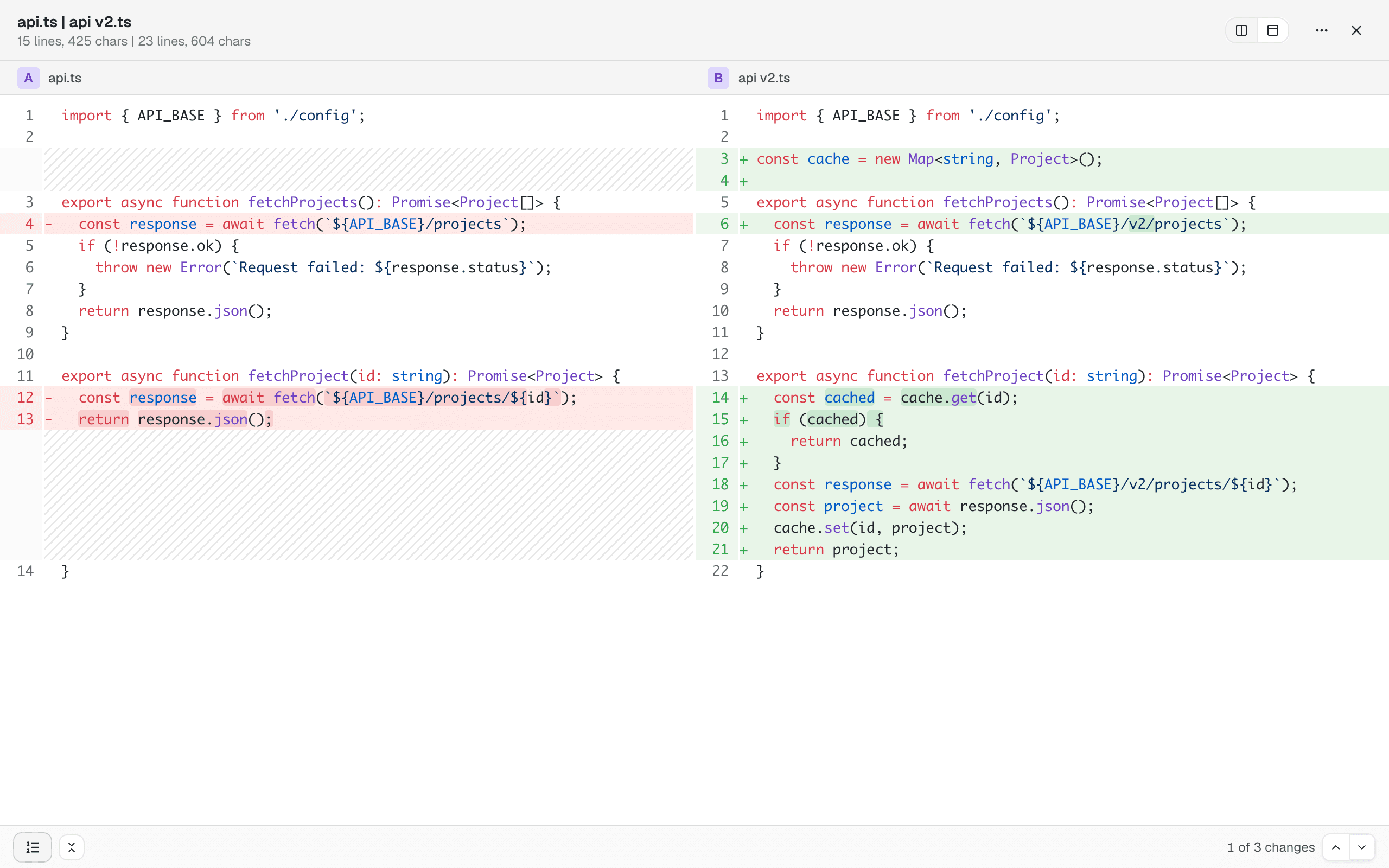
    Side by side or unified, with syntax highlighting and the changed words marked inside changed lines. Unchanged sections collapse out of the way, and previous/next buttons walk you through the changes one by one.

    Two versions of a TypeScript file side by side: added lines green, removed lines red, changed words highlighted within lines
  2. It reads formats, not just characters

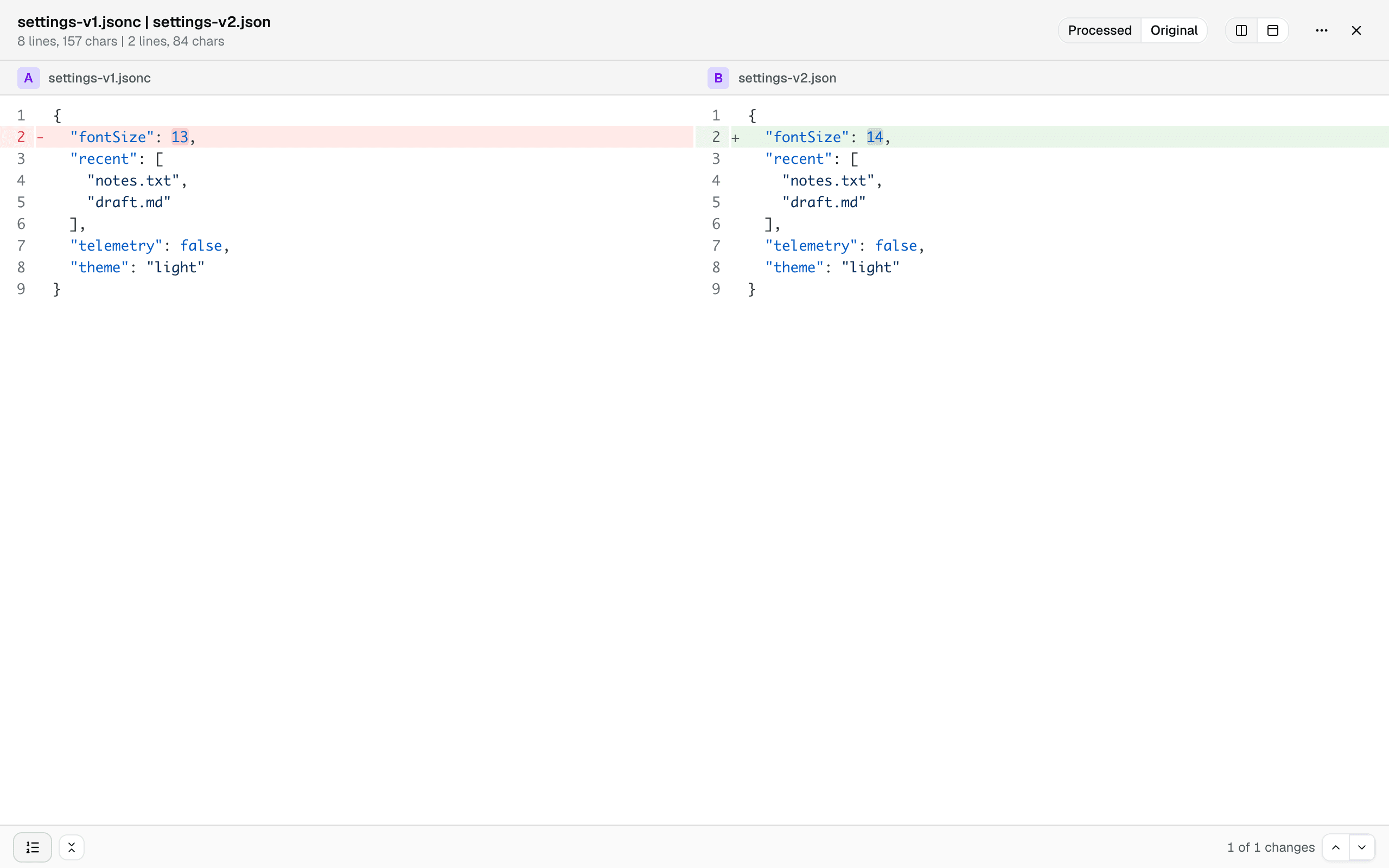
    Config files rarely differ where it matters — they differ in formatting, key order, and comments. JSON, JSONC, JSON5, YAML, TOML, and XML are normalized before comparing, and binary plists become readable text, so the diff below shows the one real change between a commented JSONC file and its minified export. A toggle brings back the files exactly as they are.

    A JSONC file and a minified JSON file compared as processed text: formatting and comments normalized away, only the real value change remains, with a Processed | Original toggle in the toolbar
  3. Share it, or hand it off

    A comparison survives a reload and can be shared as a link. And when a file turns out not to be text at all, one click hands the pair to Hex Compare for a byte-level look.

How to compare two text files?

  1. Open the free text comparison tool — it runs in any current browser, on your device, no signup.

  2. Click Choose Text A and pick the first file, then Choose Text B for the other one.

  3. Read the diff side by side or unified, and jump from change to change. If a file is a config format, it's normalized first so you only see real changes.

Frequently asked questions

  1. Does it work for code?

    Yes. Syntax highlighting, line numbers, and collapsible unchanged sections — the diff reads like your editor.

  2. Can it compare JSON, YAML, or plist files?

    Yes, and smarter than character by character: binary plists become readable text, and JSON, JSONC, JSON5, YAML, TOML, and XML are normalized (formatting, key order, comments) so the diff shows real changes, not noise. A toggle switches back to the files exactly as they are.

  3. Are my files uploaded?

    No. The comparison runs entirely in your browser; file contents never leave your device.

  4. Can it edit or merge the files?

    No — it shows differences, it doesn’t change files. Editing is on the roadmap.

  5. Which browsers are supported?

    Any current browser — Chrome, Edge, Firefox, and Safari all work.

Requirements

Any current browser.

隐私和数据处理

隐私和安全不仅是您应该期待的 - 而是您应该要求的。现代浏览器允许我们直接在您的设备上处理所有内容,这意味着我们永远不会上传、传输或共享您的文件。

您的文件将保持完全私密。所有比较都在您的浏览器中本地进行。您的数据由您自己掌握。

LeitmotifChristopher Atlan
+2

工具背后的团队

我们是 Leitmotif,一家来自阿尔卑斯山区的小公司——奥地利克恩顿州和德国巴伐利亚州。文件比较就是我们的日常:我们开发 Mac 上的 diff 应用 Kaleidoscope,而 diff.tools 把这种体验带进了浏览器。

我们相信,专业工具应当赏心悦目、用起来有趣,同时给您完成工作所需的全部能力。我们也太尊重您的文件了,绝不会上传它们——这里的一切都在您自己的电脑上运行。

Feedback

We're constantly improving our free online text comparison to make it faster and more accurate. Share your feedback and help us understand what kind of files you compare.

分享此页面

FacebookLinkedInRedditLINETelegramWhatsApp