See What Changed Between Two Text Files

TL;DR: Text Compare is a free online tool that shows the differences between two text or code files — side by side or unified, changed words highlighted — right in your browser, no signup, nothing uploaded or transferred.For code, configs, logs, or any two versions of the same file.

Start Comparing Text…
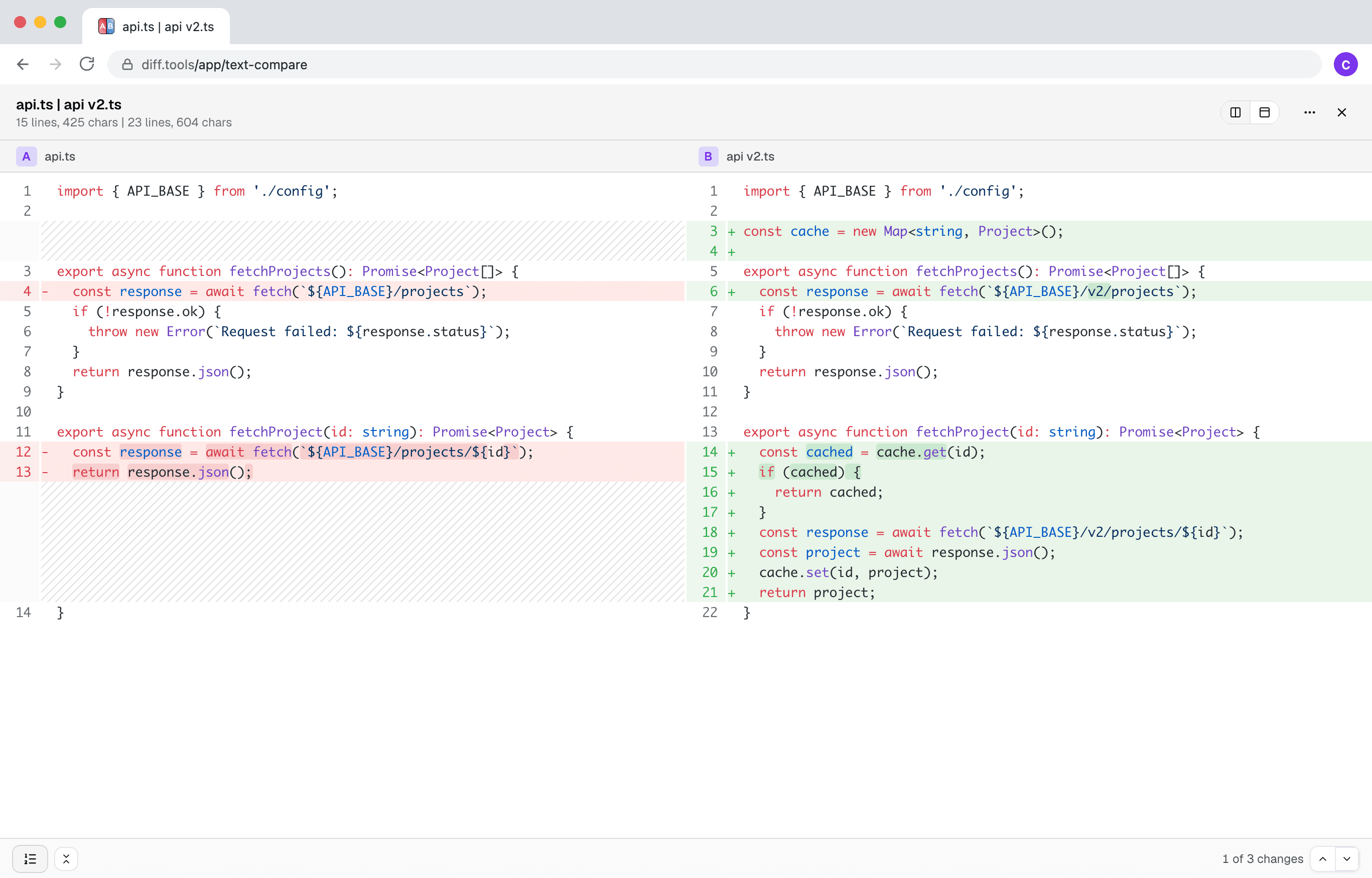
Screenshot of Text Compare
Christopher Atlan

Créé par Christopher Atlan chez Leitmotif GmbH. Conçoit des outils de comparaison de fichiers depuis 2020, et des logiciels depuis plus de 18 ans. diff.tools, c'est une idée : un outil dédié à chaque format, avec des résultats que vous pouvez passer d'un outil à l'autre.

A quick tour

  1. A diff you can actually read

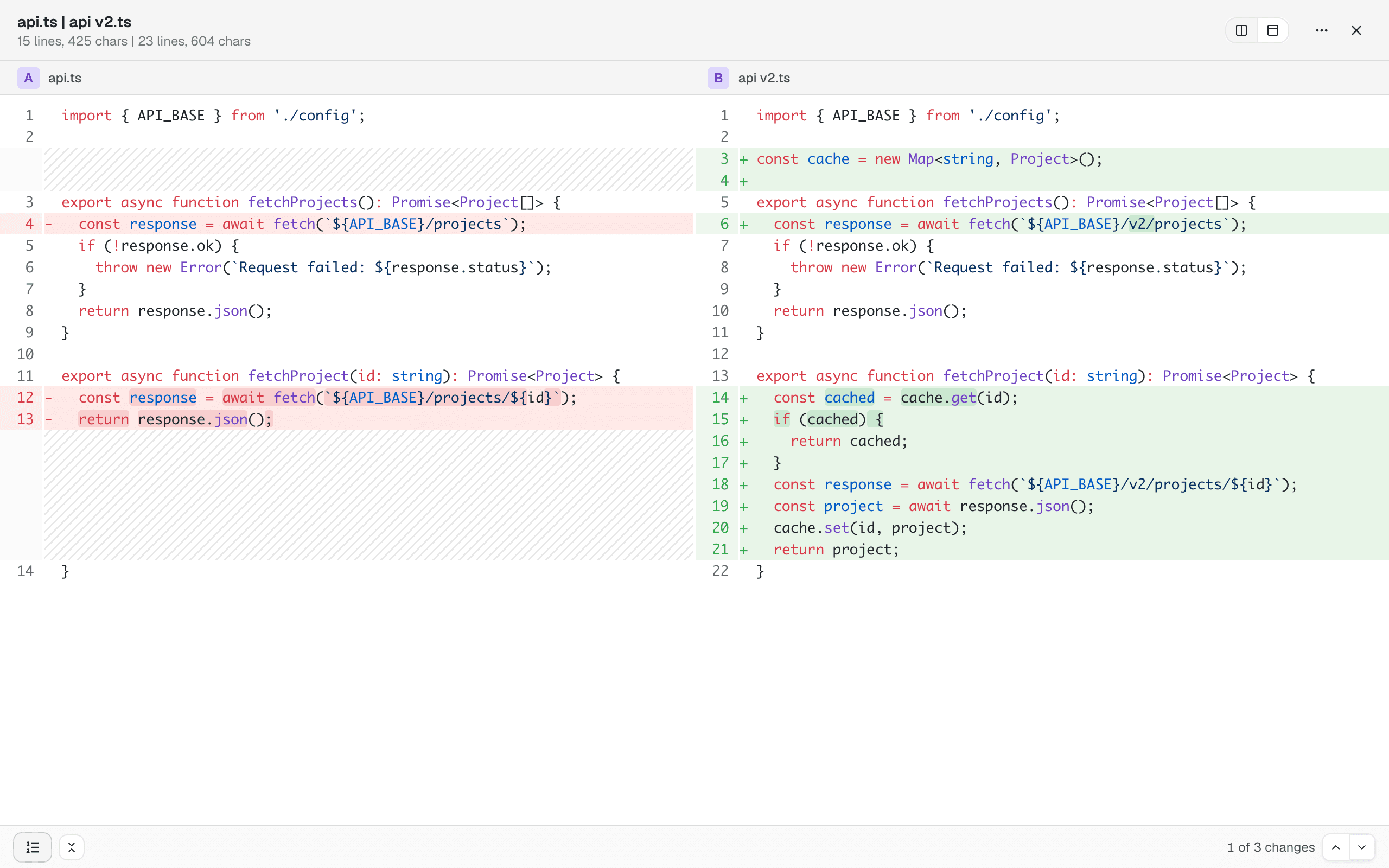
    Side by side or unified, with syntax highlighting and the changed words marked inside changed lines. Unchanged sections collapse out of the way, and previous/next buttons walk you through the changes one by one.

    Two versions of a TypeScript file side by side: added lines green, removed lines red, changed words highlighted within lines
  2. It reads formats, not just characters

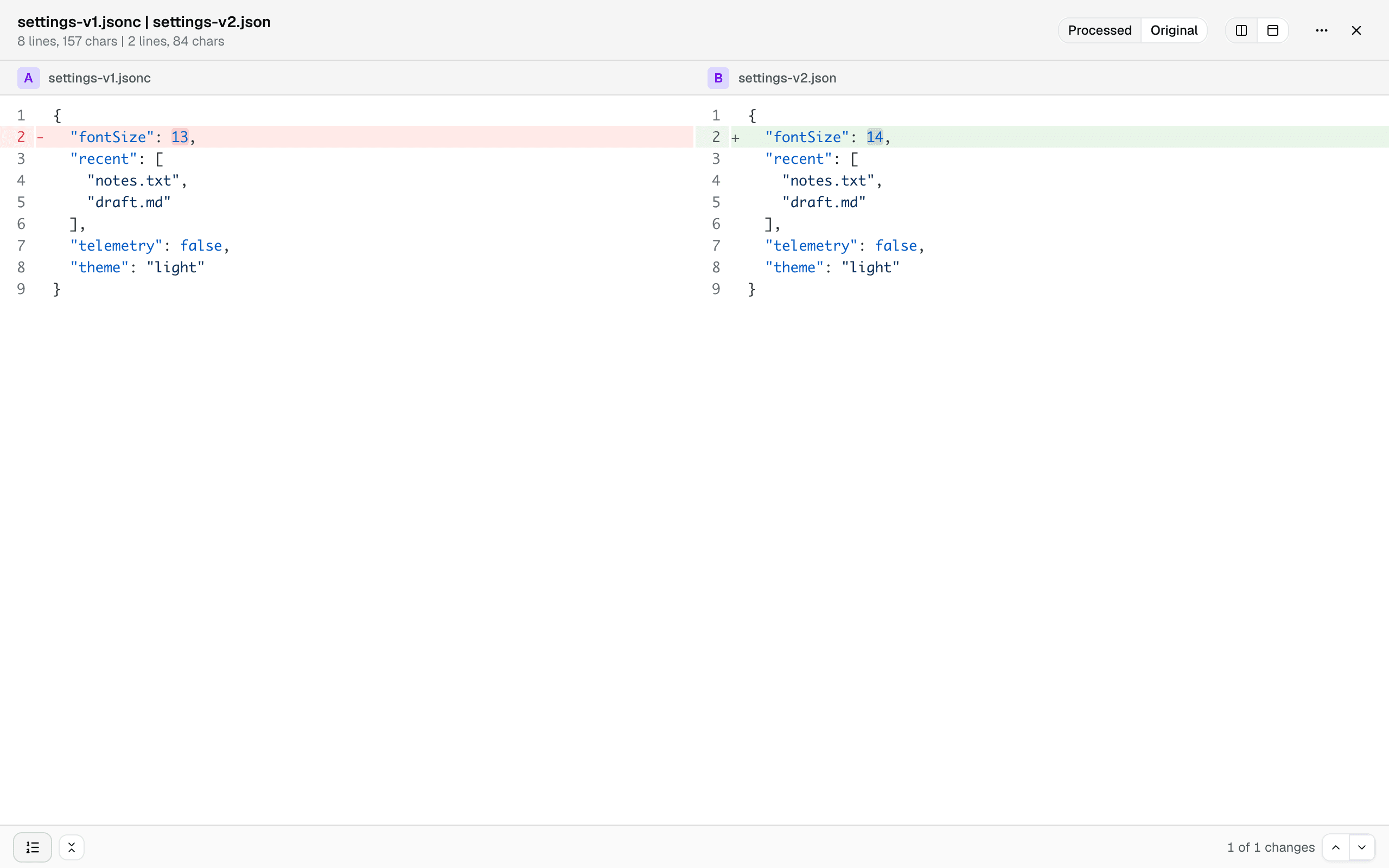
    Config files rarely differ where it matters — they differ in formatting, key order, and comments. JSON, JSONC, JSON5, YAML, TOML, and XML are normalized before comparing, and binary plists become readable text, so the diff below shows the one real change between a commented JSONC file and its minified export. A toggle brings back the files exactly as they are.

    A JSONC file and a minified JSON file compared as processed text: formatting and comments normalized away, only the real value change remains, with a Processed | Original toggle in the toolbar
  3. Share it, or hand it off

    A comparison survives a reload and can be shared as a link. And when a file turns out not to be text at all, one click hands the pair to Hex Compare for a byte-level look.

How to compare two text files?

  1. Open the free text comparison tool — it runs in any current browser, on your device, no signup.

  2. Click Choose Text A and pick the first file, then Choose Text B for the other one.

  3. Read the diff side by side or unified, and jump from change to change. If a file is a config format, it's normalized first so you only see real changes.

Frequently asked questions

  1. Does it work for code?

    Yes. Syntax highlighting, line numbers, and collapsible unchanged sections — the diff reads like your editor.

  2. Can it compare JSON, YAML, or plist files?

    Yes, and smarter than character by character: binary plists become readable text, and JSON, JSONC, JSON5, YAML, TOML, and XML are normalized (formatting, key order, comments) so the diff shows real changes, not noise. A toggle switches back to the files exactly as they are.

  3. Are my files uploaded?

    No. The comparison runs entirely in your browser; file contents never leave your device.

  4. Can it edit or merge the files?

    No — it shows differences, it doesn’t change files. Editing is on the roadmap.

  5. Which browsers are supported?

    Any current browser — Chrome, Edge, Firefox, and Safari all work.

Requirements

Any current browser.

Confidentialité et Traitement des Données

La confidentialité et la sécurité ne sont pas seulement quelque chose que vous devriez espérer - ce sont quelque chose que vous devriez exiger. Les navigateurs modernes nous permettent de tout traiter directement sur votre appareil, ce qui signifie que nous ne téléchargeons, ne transférons ni ne partageons jamais vos fichiers.

Vos fichiers restent entièrement privés. Toutes les comparaisons se déroulent localement dans votre navigateur. Vos données restent confidentielles.

LeitmotifChristopher Atlan
+2

L'équipe derrière l'outil

Nous sommes Leitmotif, une petite entreprise des Alpes : Carinthie (Autriche) et Bavière (Allemagne). La comparaison de fichiers, c'est notre quotidien : nous créons Kaleidoscope, l'app de diff pour Mac, et diff.tools amène cette expérience dans le navigateur.

Nous pensons que les outils professionnels doivent être beaux à regarder et agréables à utiliser, tout en vous donnant toute la puissance nécessaire pour faire votre travail. Et nous respectons trop vos fichiers pour jamais les téléverser : tout ici s'exécute sur votre machine.

Feedback

We're constantly improving our free online text comparison to make it faster and more accurate. Share your feedback and help us understand what kind of files you compare.

Partager cette page

FacebookLinkedInRedditLINETelegramWhatsApp