See What Changed Between Two 3D Models
TL;DR: 3D Model Compare is a free online tool that shows the differences between two 3D models — a deviation heatmap, the exact added and removed material, even G-code layer diffs — right in your browser, no signup, nothing uploaded or transferred.Great for checking a revised STL before printing, two exports of a CAD part, or what a slicer changed between project versions.
Start Comparing Models…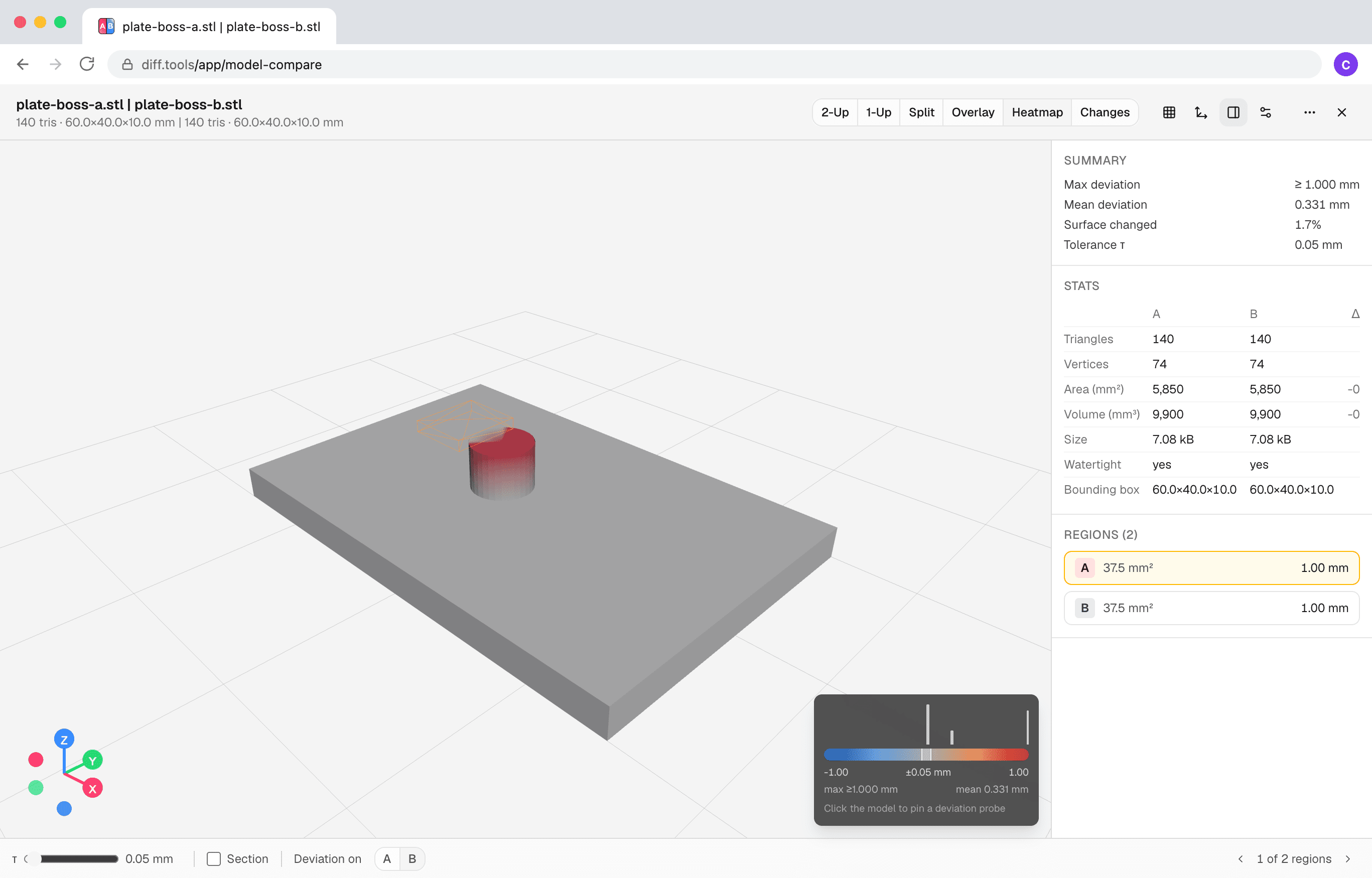

Built by Christopher Atlan at Leitmotif GmbH. Making file-comparison tools since 2020 — building software for over 18 years. diff.tools is one idea: a focused tool for each format, with results you can hand from one tool to the next.
A quick tour
Every deviation, measured and mapped
Drop two models and read the differences as a signed deviation heatmap — histogram legend, tolerance band, and a probe: click anywhere on the model to pin the exact millimeter value. Changed regions are listed so you can step through them one by one.
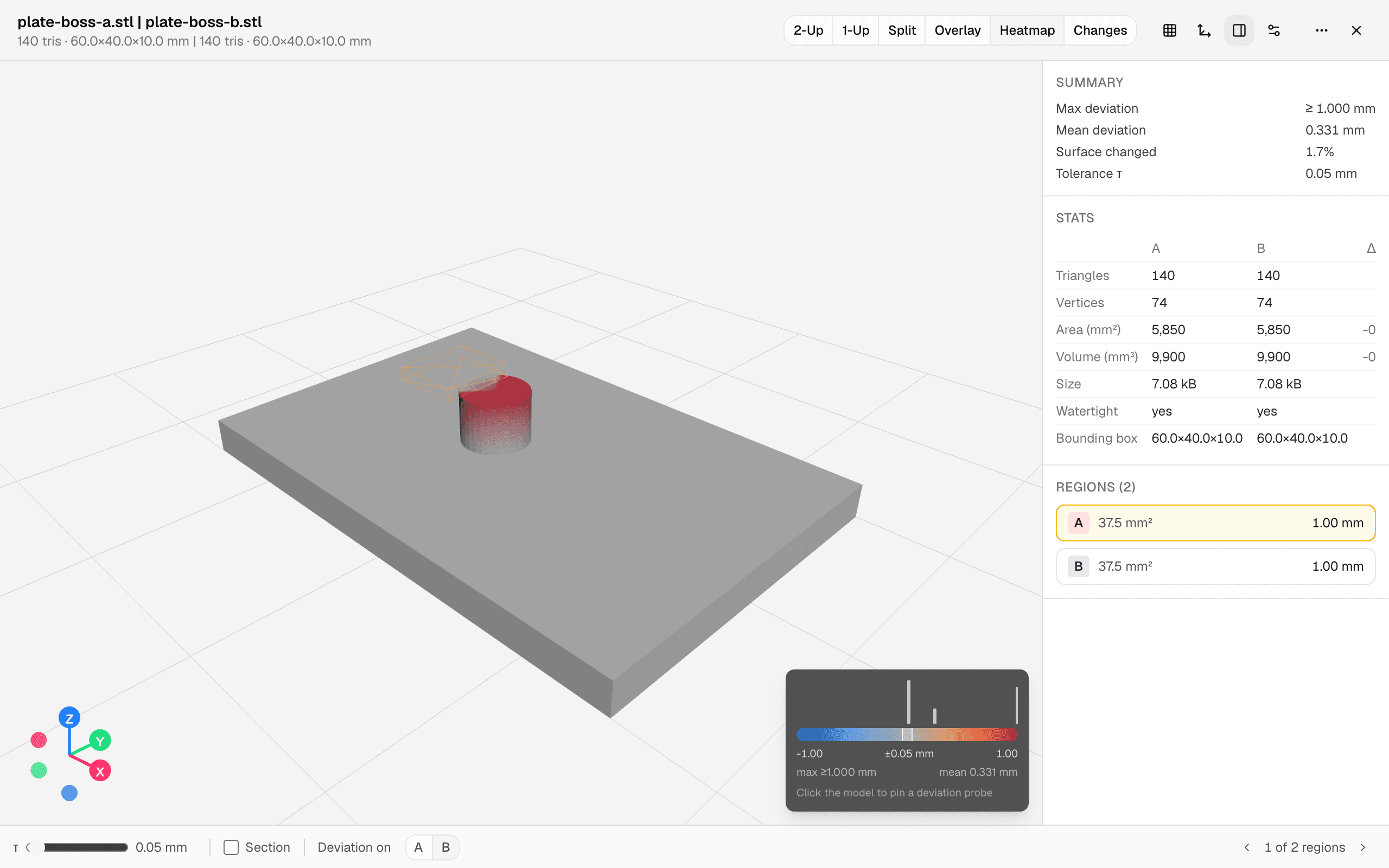
Two revisions of a mounting plate — the moved boss glows, the rest stays gray. The exact added and removed material
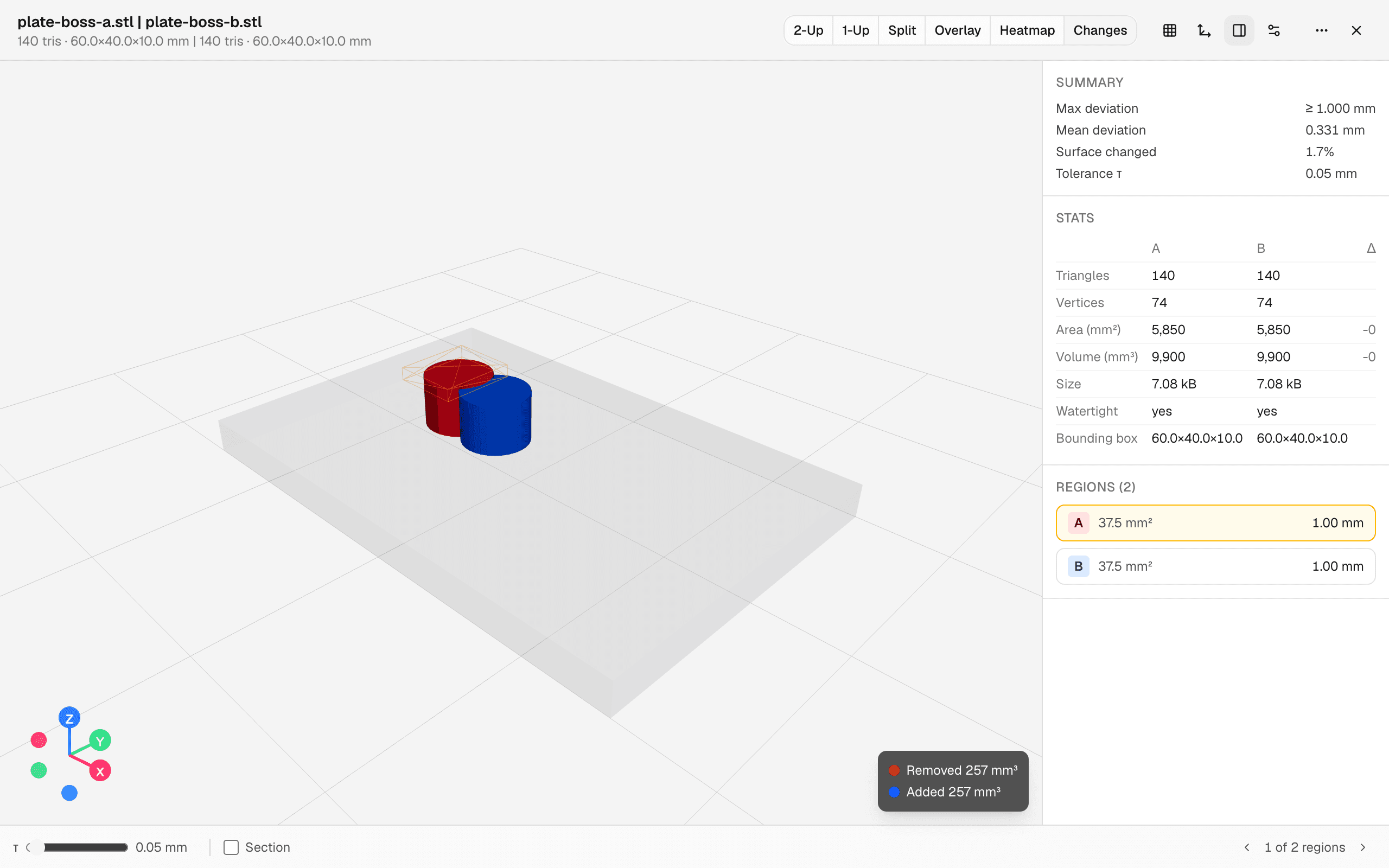
Not an approximation: solid boolean intersections compute the real difference volumes — removed material in red, added in blue, with their exact cubic millimeters. GitHub shipped 3D diffs in 2013 and abandoned them; this is that idea, finished.
G-code, layer by layer
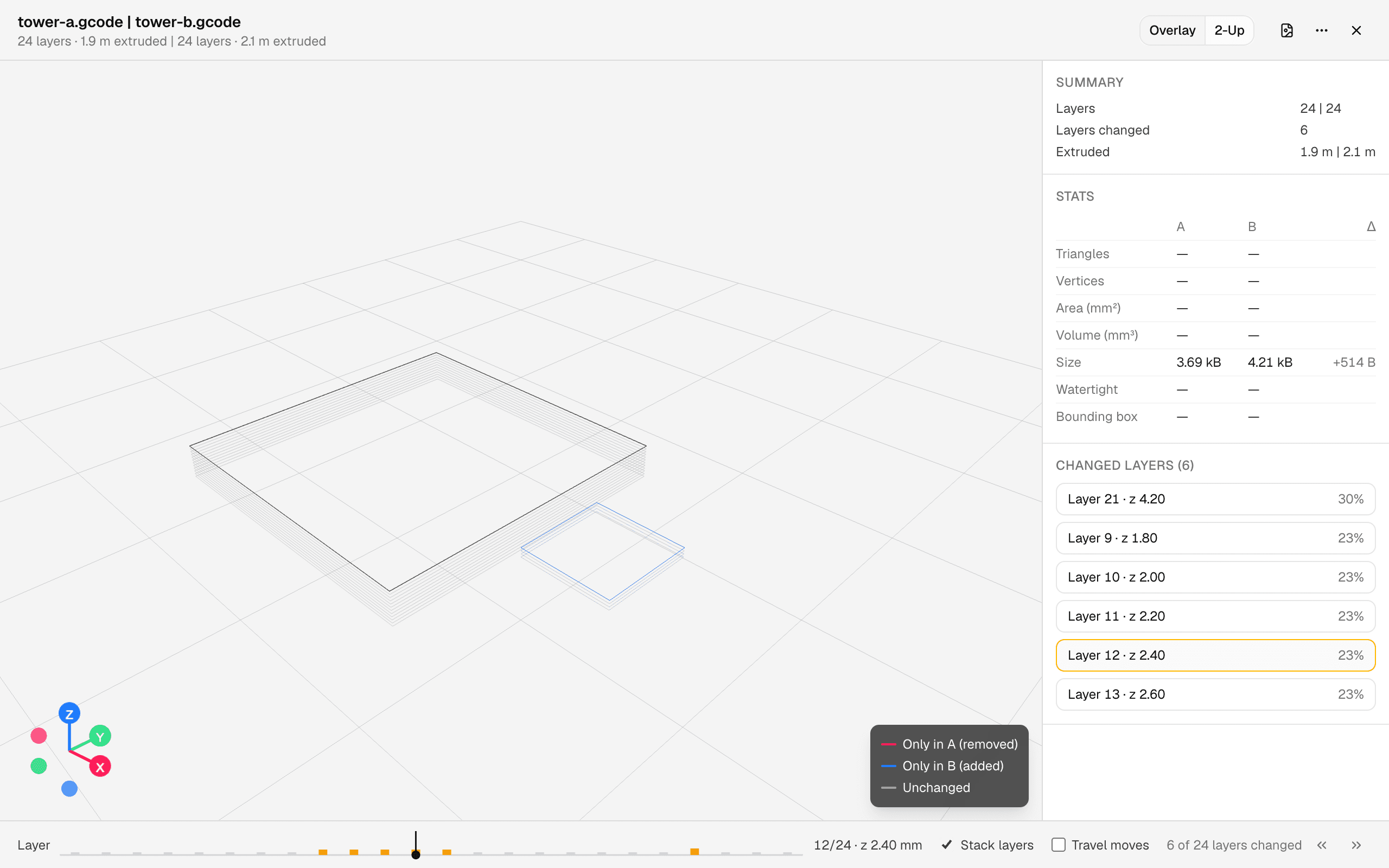
Compare two sliced files — plain G-code or .gcode.3mf exports — and scrub a synced layer slider with a change strip that marks exactly which layers differ. Only the changed toolpath segments are colored, and the print settings from the config blocks are diffed alongside.
Slicer projects are first-class
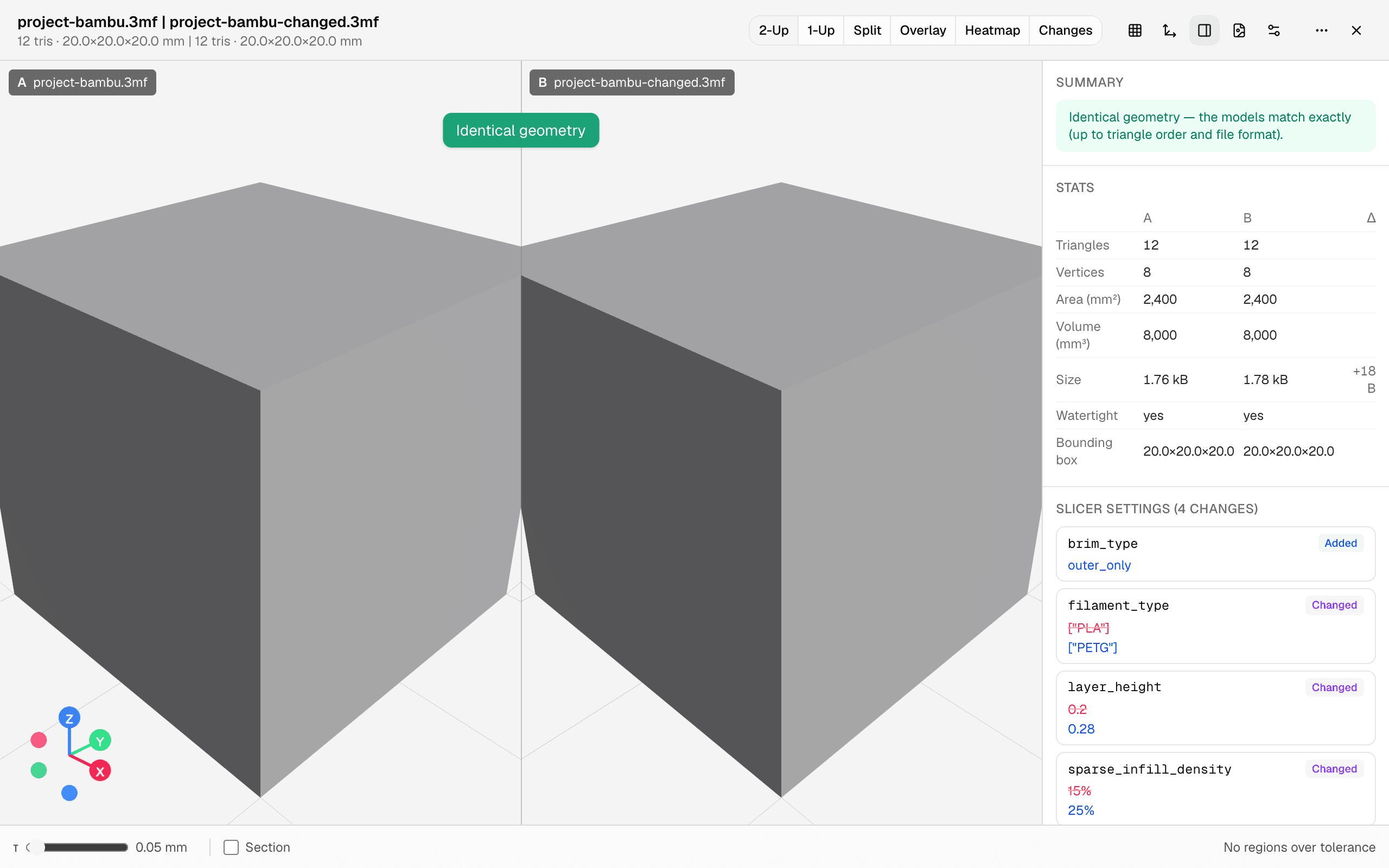
Bambu Studio and PrusaSlicer project 3MFs open directly, and their slicer settings are diffed side by side — layer height, infill, filament. And when the geometry didn't change at all, the verdict says so instantly: no hunting for phantom differences between two re-exports.
Six ways to look at it
Lockstep two-up, a blink comparator, split with a swipe divider, emphasis overlay, the heatmap, and the exact changes — whichever view answers your question. Alignment is handled too: presets, an ICP “refine” step for scanned or re-exported parts, and per-part alignment for rearranged build plates.